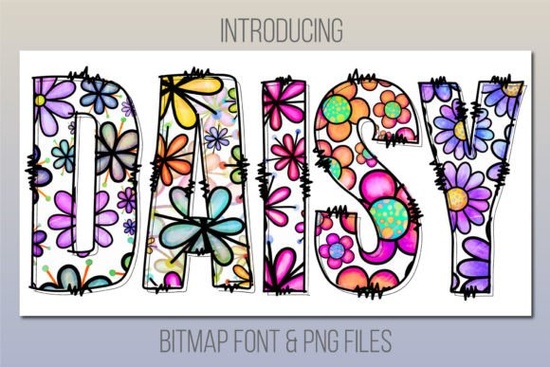
If you’ve been searching for a cheerful, whimsical typeface that adds instant charm to your projects, the Daisy Font might be exactly what you’re looking for. Designed with soft petals and playful curves, this color font brings a handcrafted daisy-print vibe to everything from greeting cards to product packaging. It’s especially handy if you’re working on spring-themed designs, kids’ products, or anything that calls for a lighthearted, handmade feel.
Keep in mind because it’s a bitmap color font, Daisy works best in newer versions of Adobe apps like Photoshop CC 2017+, Illustrator CC 2018+, and InDesign CC 2019+. It also plays nicely with macOS native apps like Pages, Keynote, and Font Book. Unfortunately, it won’t work inside Cricut Design Space. But don’t worry the download includes bonus PNG files you can drag and drop anywhere, even if your software doesn’t support OpenType-SVG fonts.
Who is this font actually good for?
If you’re a small business owner selling custom mugs, tote bags, or stationery online, Daisy gives your mockups a cozy, artisanal look without needing illustration skills. Print-on-demand sellers will appreciate how quickly they can generate eye-catching product visuals just type your phrase, pick a color variation (if available), and export.
Crafters making birthday invites, baby shower decor, or teacher appreciation gifts will find Daisy adds personality without being overwhelming. And designers? You can layer it with script fonts or minimalist sans-serifs for contrast that still feels cohesive. Think: pairing “Daisy” with something clean like Montserrat for balance.
What should I know before downloading?
- Software compatibility matters. If you’re using older versions of Adobe apps or tools like Canva, Silhouette Studio, or Procreate, you’ll need to rely on the included PNGs instead of typing live text.
- It’s not editable like vector fonts. Since it’s bitmap-based, resizing too far beyond its native resolution may cause pixelation. Stick to moderate scaling for best results.
- The vibe is casual and sweet. This isn’t the font for corporate reports or luxury branding but perfect for farmers markets, Etsy shops, or classroom materials.
How do I use the bonus PNGs?
The PNG files are lifesavers if your design tool doesn’t support color fonts. Just unzip the folder, drag your favorite letters onto your canvas, and arrange them like puzzle pieces. You can recolor some PNGs using overlay layers or hue adjustments in Photoshop though results vary depending on the background.
Pro tip: Save time by creating frequently used words (“Happy,” “Love,” “Welcome”) as grouped PNG sets. That way, you’re not rebuilding phrases from scratch every time.
Can I use this commercially?
Yes Creative Fabrica’s standard commercial license covers most small business uses. That means you can sell physical items (like printed shirts or stickers) or digital templates (like Canva layouts or printable PDFs) that include the Daisy Font or its PNGs. Just don’t redistribute the font file itself or claim it as your own creation.
For full details, always check the license tab on the product page. If you’re running a large-scale operation (think: mass retail or app development), you may need an extended license but for most indie creators, the standard one is plenty.
What other fonts pair well with Daisy?
Since Daisy has such a distinct illustrative style, keep companion fonts simple. A rounded sans-serif like Nunito complements its softness without competing. For contrast, try a thin serif like Cormorant great for elegant headers above Daisy subheadings.
You can also browse more colorful fonts on Creative Fabrica if you want to build a matching set for seasonal collections or themed product lines.
Quick checklist before you start:
- ✅ Confirm your software supports color fonts or plan to use PNGs
- ✅ Decide if you need editable text (font) vs. ready-to-place graphics (PNGs)
- ✅ Test scale limits avoid stretching tiny PNGs to poster size
- ✅ Pair with a readable secondary font for longer messages
- ✅ Review the license terms if selling digital files or high-volume products
Start small try it on a single social media graphic or printable tag first. Once you see how easily Daisy adds warmth and character, you’ll likely find dozens of ways to use it across your creative projects.
Try It Free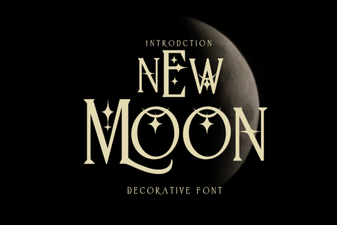 New Moon Font: Design Tips and Creative Uses
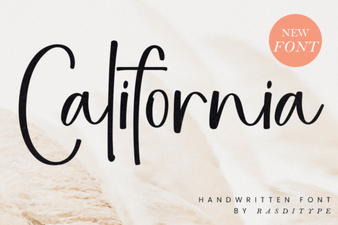 California Font Designs for Modern Web Projects
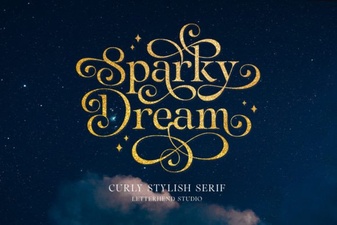 Sparky Dream Font: Creative Font & Typography Ideas
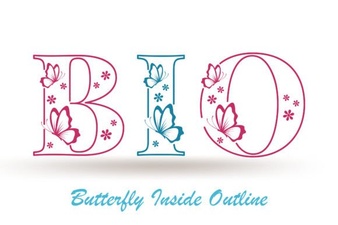 Fonts Inspired by Butterfly Shapes for Designers
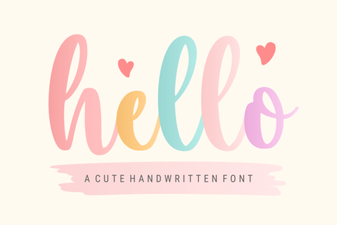 Hello Fonts: Creative Typography Design Ideas
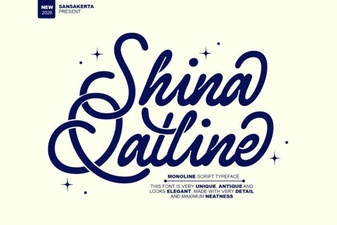 Shina Qatline Font for Creative Arabic Typography Projects